
Hearing Emotions: The Unseen Power of Sound Design
In a constantly changing media landscape, sound design is one of the most powerful tools for engaging an audience’s memory...

Leveraging technology, innovation, and human experiences to captivate your audience.
Clean audio is what separates content people finish from content they skip. Whether you’re producing a podcast, a video series, or branded audio, the edit is where credibility is won or lost. Here are the five audio editing mistakes we see most often—and how to fix each one for a clean, professional sound.
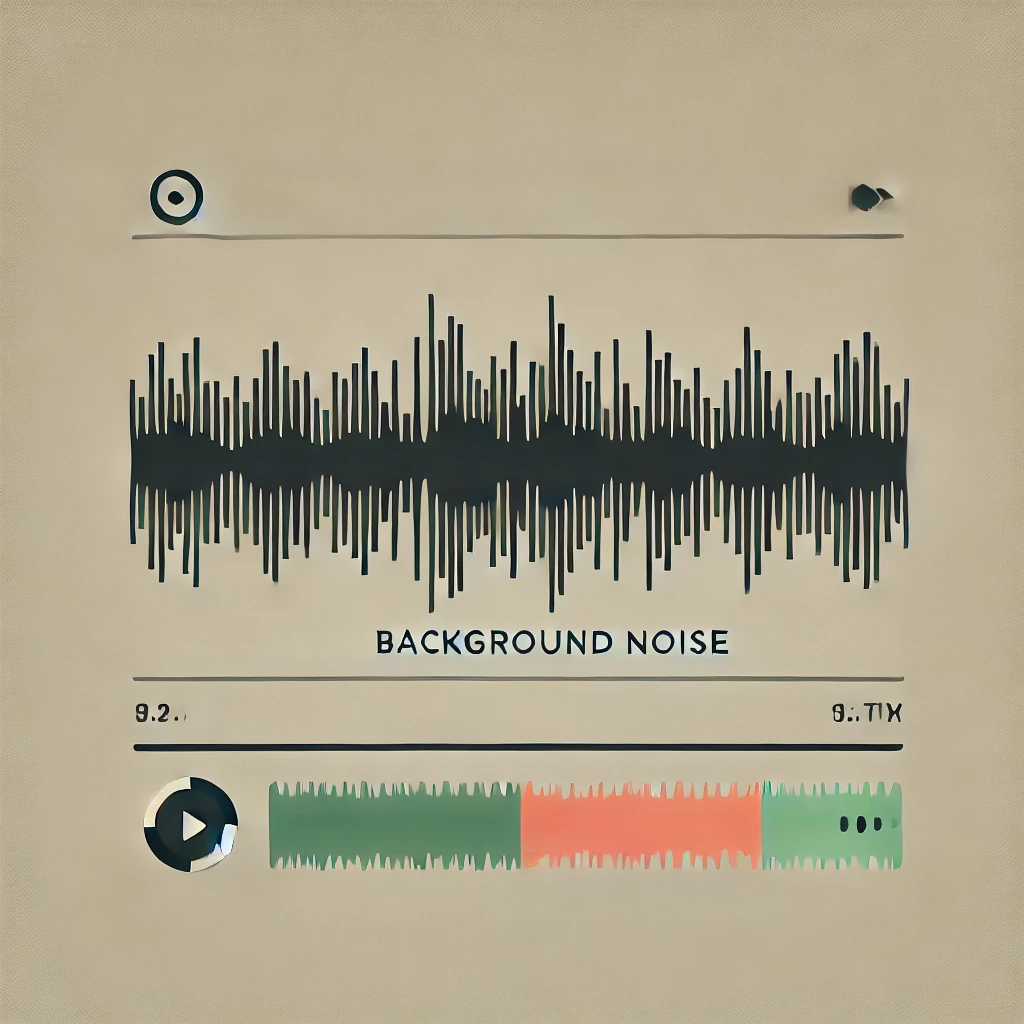
Hiss, hum, and random ambient sound are a constant distraction, and they make even great content sound unprofessional. Listeners may not be able to name the problem, but they hear it.
The fix: Use dedicated noise-reduction tools like iZotope RX to remove distractions so your primary content comes through crystal clear. Controlled noise creates an immersive listening experience that holds attention.
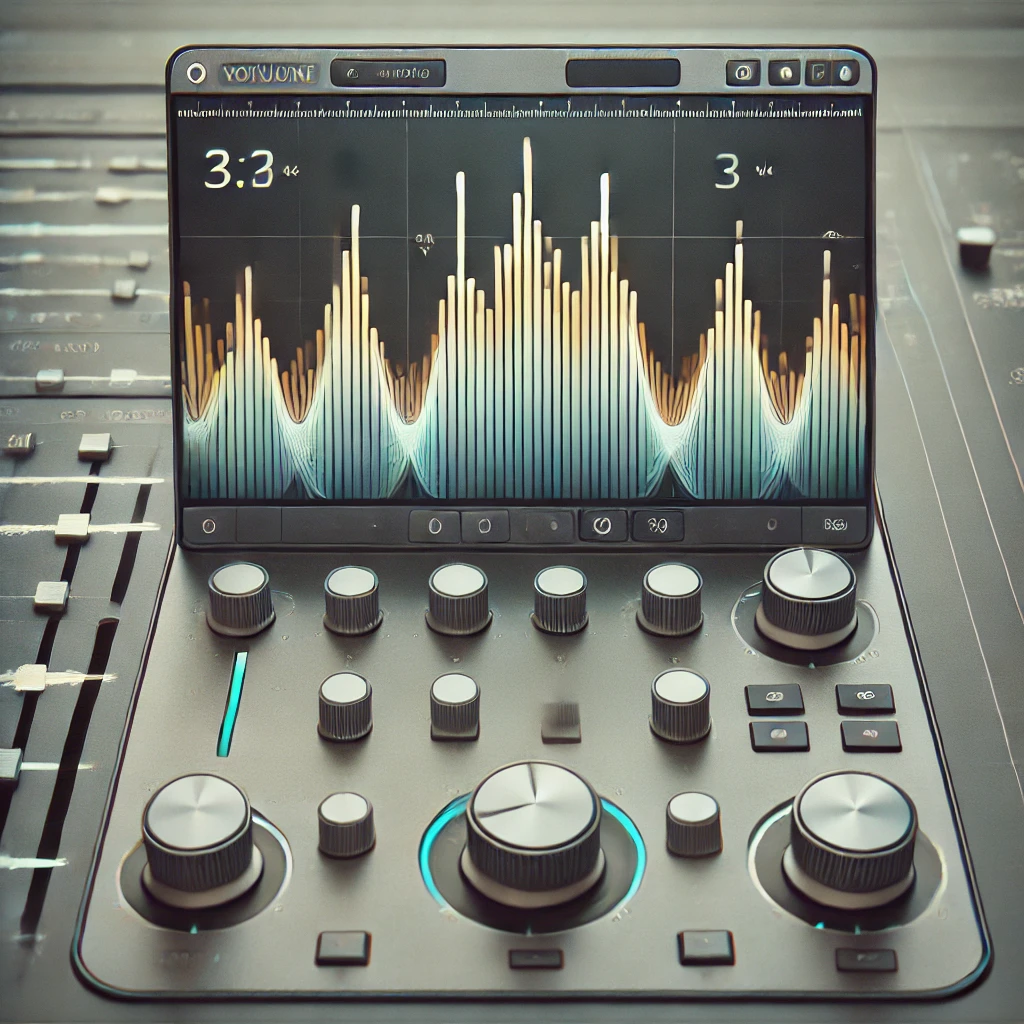
Uneven levels within a track—or across multiple clips—force listeners to keep reaching for the volume. Every adjustment is a moment they’re not listening to you.
The fix: Use volume automation and gain adjustments to keep every element consistent. Steady levels create a seamless experience that keeps your audience engaged.
EQ and reverb can enhance a recording, but overusing them leads to distorted, unnatural sound—especially in dialogue-heavy content.
The fix: Use a light touch. Subtle enhancements preserve the integrity of the original audio and support a polished, professional tone.
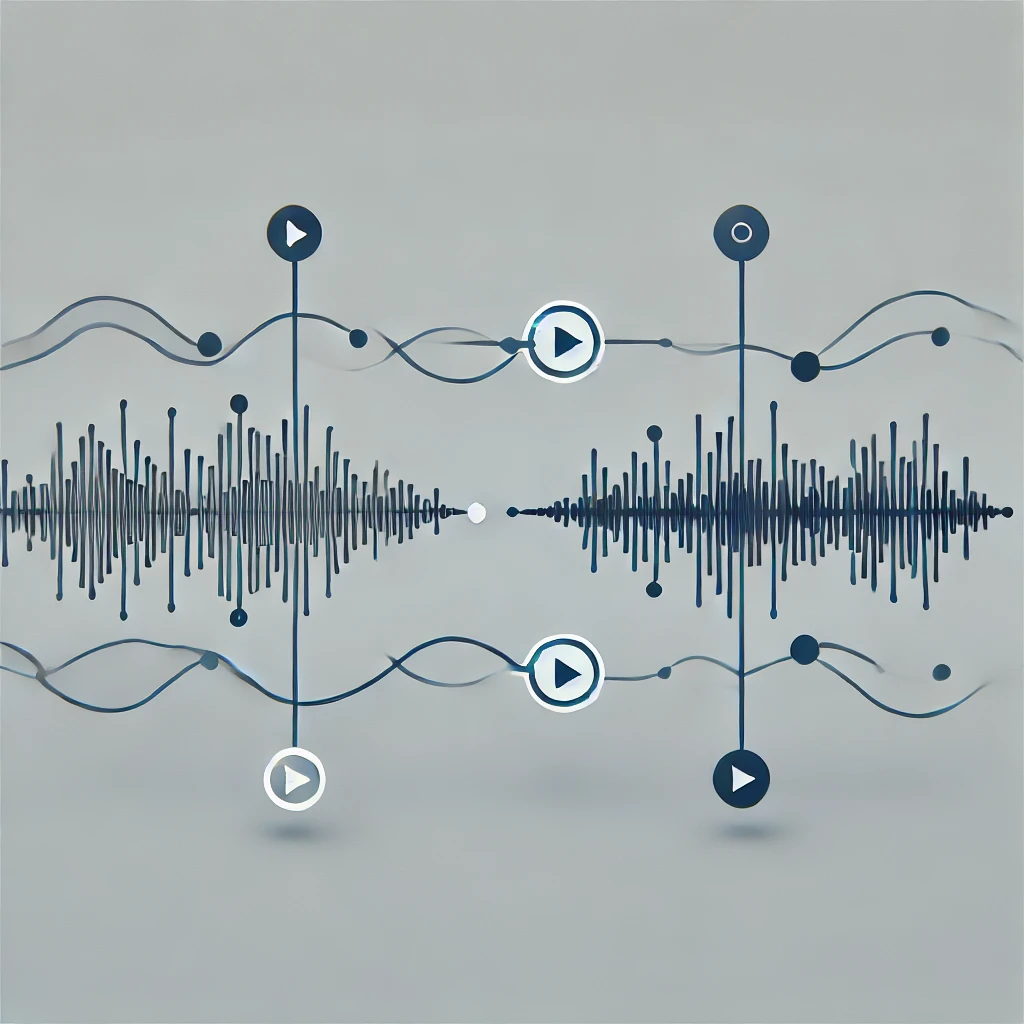
Hard cuts between segments break the natural flow, especially when switching between speakers or clips. The result jars listeners out of the experience.
The fix: Use crossfades and subtle transitions to keep the listening experience cohesive. It’s a small adjustment that prevents jarring shifts.
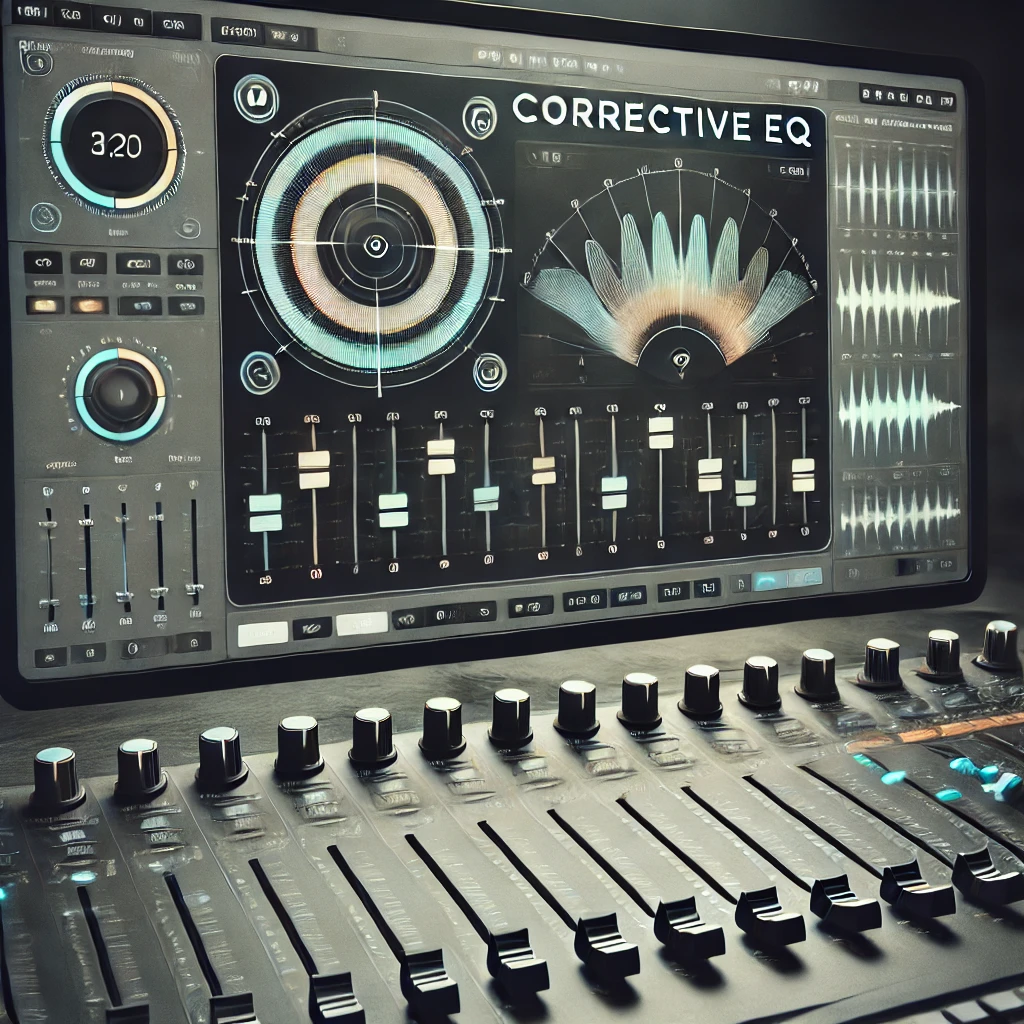
Harsh highs and muddy lows pull attention away from your message. Skip corrective EQ and those tonal issues end up in your final product.
The fix: Apply gentle corrective EQ to remove problem frequencies. The result is clearer, more professional audio.
Room tone—the natural ambient sound of your recording space—is key to continuity. When you combine multiple clips, mismatched room tone is instantly noticeable.
The fix: Capture a few seconds of room tone during every recording and blend it in as needed. Your edits will sound seamless and natural.
Avoiding these mistakes will dramatically improve the quality and professionalism of your content. Focus on clear, consistent, naturally flowing audio and you’ll keep listeners engaged from start to finish.
ATAM Audio delivers broadcast-ready podcast and video post-production with precision and expertise. Let’s talk about your next project.
In a constantly changing media landscape, sound design is one of the most powerful tools for engaging an audience’s memory...
We’ve been crafting sonic magic behind the scenes with our friends at Matchstic, the branding powerhouse known for guiding companies...
Clean audio is what separates content people finish from content they skip. Whether you’re producing a podcast, a video series,...